


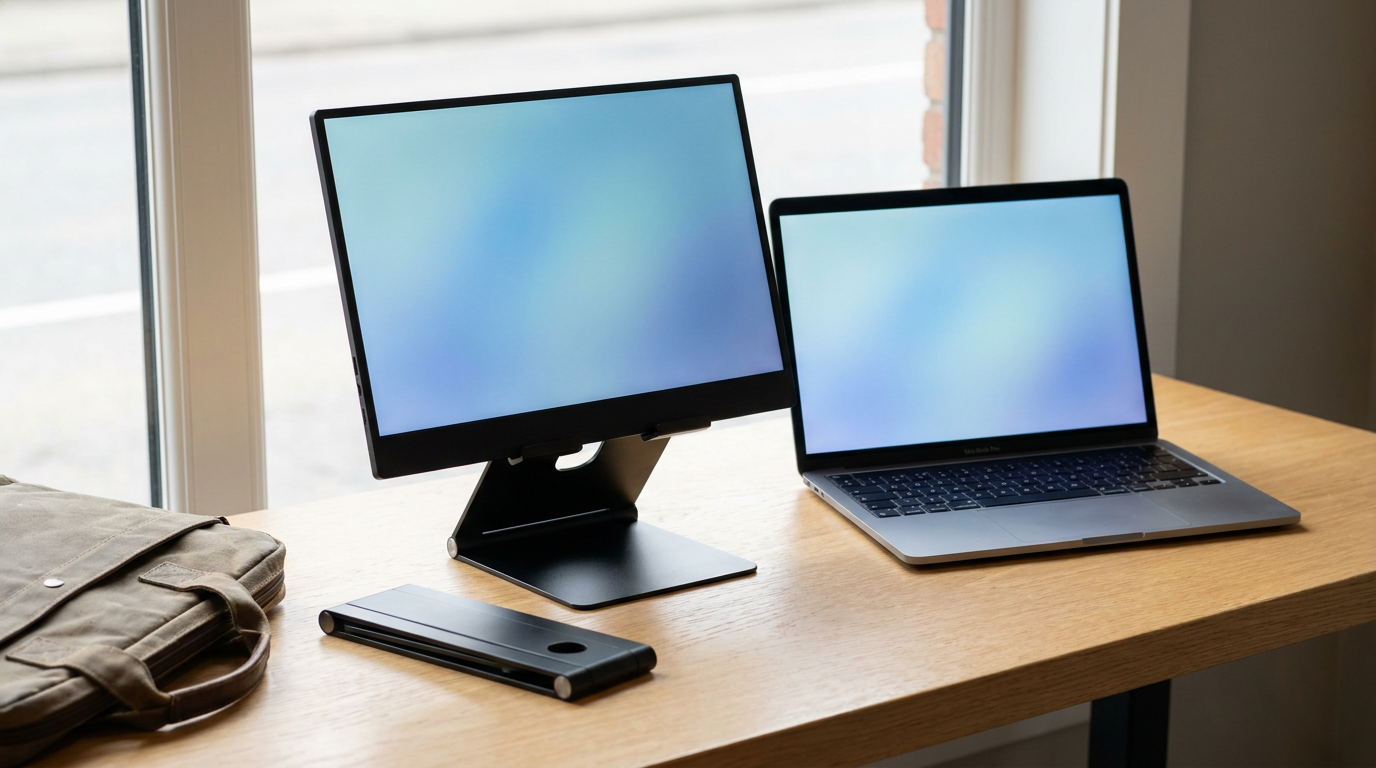
A portable monitor stand earns its place in your bag on two numbers: packed weight and how far it folds or tilts. Under 250 g travels daily, under 1 kg travels weekly, and anything heavier belongs on a desk. The second number is messier, because most makers describe the angle in words rather than degrees.
Every figure below comes from the maker’s own spec page. Where a maker states nothing, the table says so.
Packed weight decides whether it travels
Your portable monitor already weighs close to a kilogram. A stand that doubles that load gets left at home within a month.
The lightest stands with real figures sit around 200 g. The FLEXSTA Flex 1 lists 212 g and folds to a 20 cm tube, and the UPERFECT UStand Air S1 lists 0.2 kg because it clips to the laptop lid and uses the laptop as its base.
Tray-style and VESA stands with a weighted base land between 0.7 and 0.9 kg. They sit steadier on a cafe table, but you pay for that stability on every commute. The same trade-off runs through our TV soundbar mount guide: a published load rating is worth more than a marketing adjective.
Folding and tilt angles: what makers actually publish

Video: Elana Ross
Product pages rarely answer angle questions in numbers. Of the five stands below, only two state a degree figure. The Air S1 gives its rear foot a 45 degree range, and the UPERFECT VESA desk stand folds at 90 and 180 degrees.
The rest describe “multi-angle” or “three positions”. That means you cannot know before buying whether the screen will match your laptop’s lid angle. If a listing gives no degree figure, assume a fixed set of click stops rather than free tilt.
Five stands with published figures
| Stand | Mount type | Packed weight (maker) | Folded size (maker) | Angle figure published | Street price |
|---|---|---|---|---|---|
| FLEXSTA Flex 1 | Magnetic plate on a tripod | 212 g, plus a 5 g plate left on the monitor | 20 x 6 x 4 cm | Height 14 to 40.5 cm; tilt and pan on a locking knob, no degree range stated | About $60 at flexsta.com |
| UPERFECT UStand Air S1 | Clip onto the laptop lid | 0.2 kg | 228 x 100 x 26 mm | Rear foot adjusts up to 45 degrees; foot extends 125 to 240 mm | $99.99 at uperfect.com |
| UPERFECT UStand 12 to 19 inch holder | Tray, Z-fold | 0.9 kg | 260 x 218 x 30 mm | Three preset angles, no degree figure stated | $64.99 at uperfect.com |
| UPERFECT UStand VESA desk stand | VESA 75 and 100 mm | Not published | 170 x 119 x 63 mm | Folds at 90 and 180 degrees; holds up to 1.2 kg | $69.99 at uperfect.com |
| Waveshare VESA Portable Monitor Stand | VESA 50, 75 and 100 mm | 0.697 kg | Diagram only, no figure stated | Five-axis ball head with 360 degree base rotation | Listed at waveshare.com |
Figures read from each maker’s product page on 7 October 2026. Prices move with promotions.
Mount type changes the weight math
A magnetic stand keeps weight low because the monitor supplies its own rigidity. The catch is the metal plate you stick to the monitor’s back, which rules out the kickstand cover that shipped with it.
VESA stands need a monitor with 75 or 100 mm holes. Many thin portable screens skip VESA entirely, so check the back of your monitor before you buy. The Waveshare unit also lists 50 mm holes for small Raspberry Pi displays.
Lid-clip stands weigh least of all but hang the monitor off your laptop hinge. On a thin machine like the IdeaPad Duet 5 Chromebook shown at Lenovo Tech World, that is real strain on a small hinge, so check the maker’s lid thickness range first.
Match the stand to your monitor’s weight
Each maker states a maximum monitor weight: 1 kg for the FLEXSTA, 1.2 kg for the UPERFECT VESA stand, 1.5 kg for the Air S1. Weigh your monitor with its cable attached and leave a margin, because a stand at its limit tips when you tap the screen.
The block diagram of a computer shows where that display output comes from, and why a USB-C monitor needs a port with DisplayPort Alt Mode, not just power.
Pick the lightest stand whose stated monitor limit clears your screen by at least 200 g. That rule alone removes most of the bad options.

