


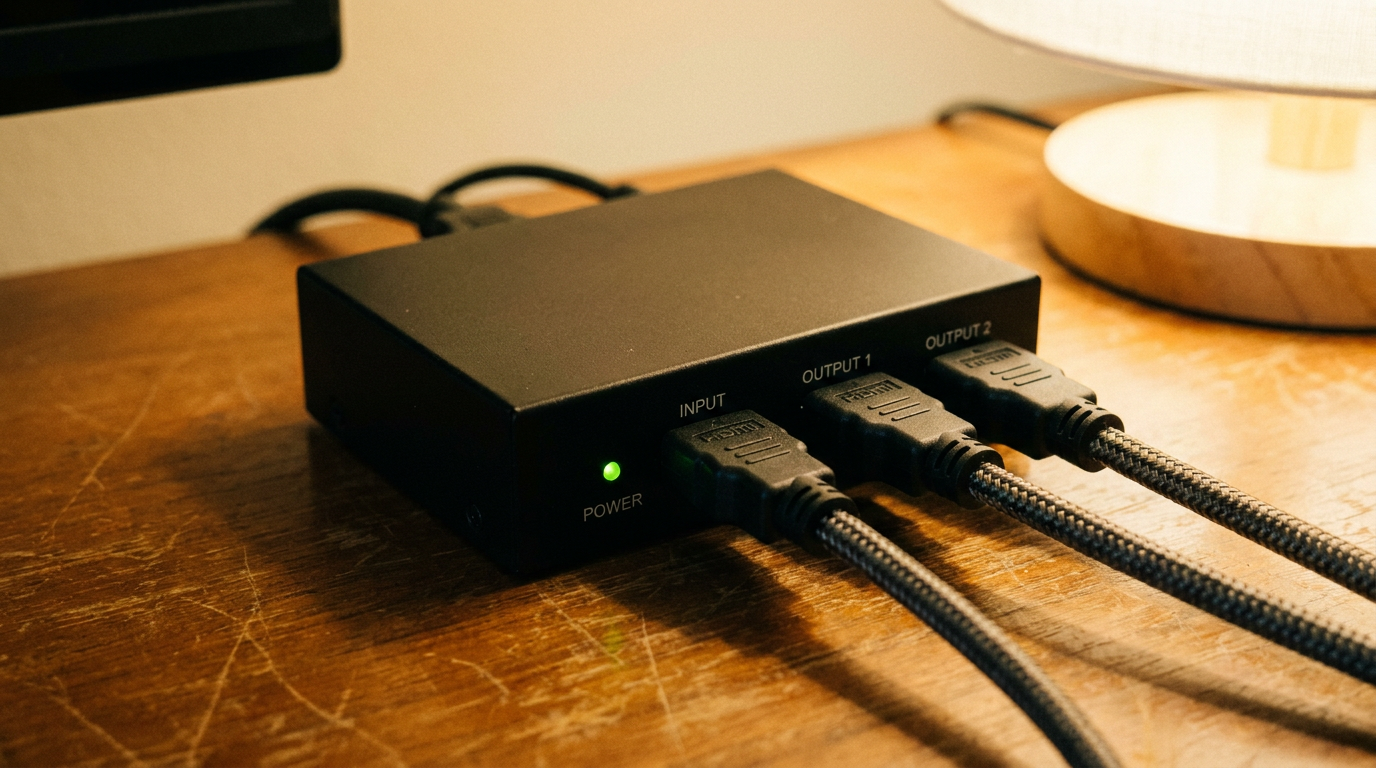
An HDMI splitter copies one source to two or more screens, and it can only pass a signal its own HDMI version is built to carry. Buy one rated for your source’s highest output: HDMI 1.4 tops out at 4K30, HDMI 2.0 handles 4K60, and 4K120 or 8K60 needs an HDMI 2.1 unit.
Past the version, check the HDCP level and how the splitter handles EDID. Those two decide whether protected video plays and which resolution each screen gets.
Splitter or switch: which one you actually need
A splitter sends one input to several outputs at the same time. A switch does the opposite, picking one of several inputs for a single screen.
A splitter also mirrors. It will not extend a laptop desktop across two monitors, because every output gets an identical copy of the same signal.

Video: Mark Franks Tech Reviews
HDMI version sets the ceiling
Bandwidth is the hard limit. If the signal needs more than the splitter’s chips can pass, you get a black screen, flicker or a silent drop to a lower mode.
| HDMI tier | Max bandwidth | Headline video formats | Matching certified cable |
|---|---|---|---|
| HDMI 1.4 | 10.2 Gbps | 1080p, 4K@30Hz, 3D | High Speed HDMI Cable |
| HDMI 2.0 | 18 Gbps | 4K@60Hz with HDR | Premium High Speed HDMI Cable |
| HDMI 2.1 | 48 Gbps | 4K@120Hz, 8K@60Hz | Ultra High Speed HDMI Cable |
| HDMI 2.2 | 96 Gbps | 4K@240Hz and 8K@60Hz at full 4:4:4 chroma, up to 16K@60Hz | Ultra96 HDMI Cable |
Source: HDMI Licensing Administrator cable and specification pages.
A cheap 1080p splitter on a console set to 4K120 is the classic failure. That mode can need up to 48 Gbps, the splitter was built for 10.2 Gbps, and nothing reaches the TV.
Cables count too. A splitter rated for 48 Gbps fed by an old High Speed cable is still a 10.2 Gbps chain.
HDCP: the reason streaming goes blank
Protected content only plays if every link in the chain supports the copy protection the source demands. Most 4K streaming apps and UHD Blu-ray players require HDCP 2.2, so a splitter listing only HDCP 1.4 will show menus but black out the movie.
Check the spec sheet for HDCP 2.2 or 2.3 on a 4K splitter. If the listing does not name the version, skip it.
EDID and mixed screens
Your source reads each display’s EDID, a short capability report, to choose an output format. A splitter has to present one report back to the source, and most pick the weakest screen attached.
Pair a 4K TV with a 1080p projector and both may get 1080p. Splitters with a built-in scaler or selectable EDID modes fix this by sending 4K to one output and a downscaled copy to the other.
If the splitter will sit behind a wall-mounted screen, plan cable runs and power before you drill. Our TV soundbar mount guide covers the bracket side of that job.
Features worth paying for
- External power supply, since passive USB-powered units struggle with long cable runs.
- Downscaling per output when your screens differ in resolution.
- HDR and audio pass-through listed by format, such as HDR10 and Dolby Atmos.
If you want to understand why a video signal behaves like data moving between components, the block diagram of a computer explainer maps where display output sits in the system.
USB-C devices, like the tablet in our Lenovo IdeaPad Duet 5 Chromebook coverage, can feed a splitter through a USB-C to HDMI adapter. Just remember you get a mirror, never an extended desktop.

