


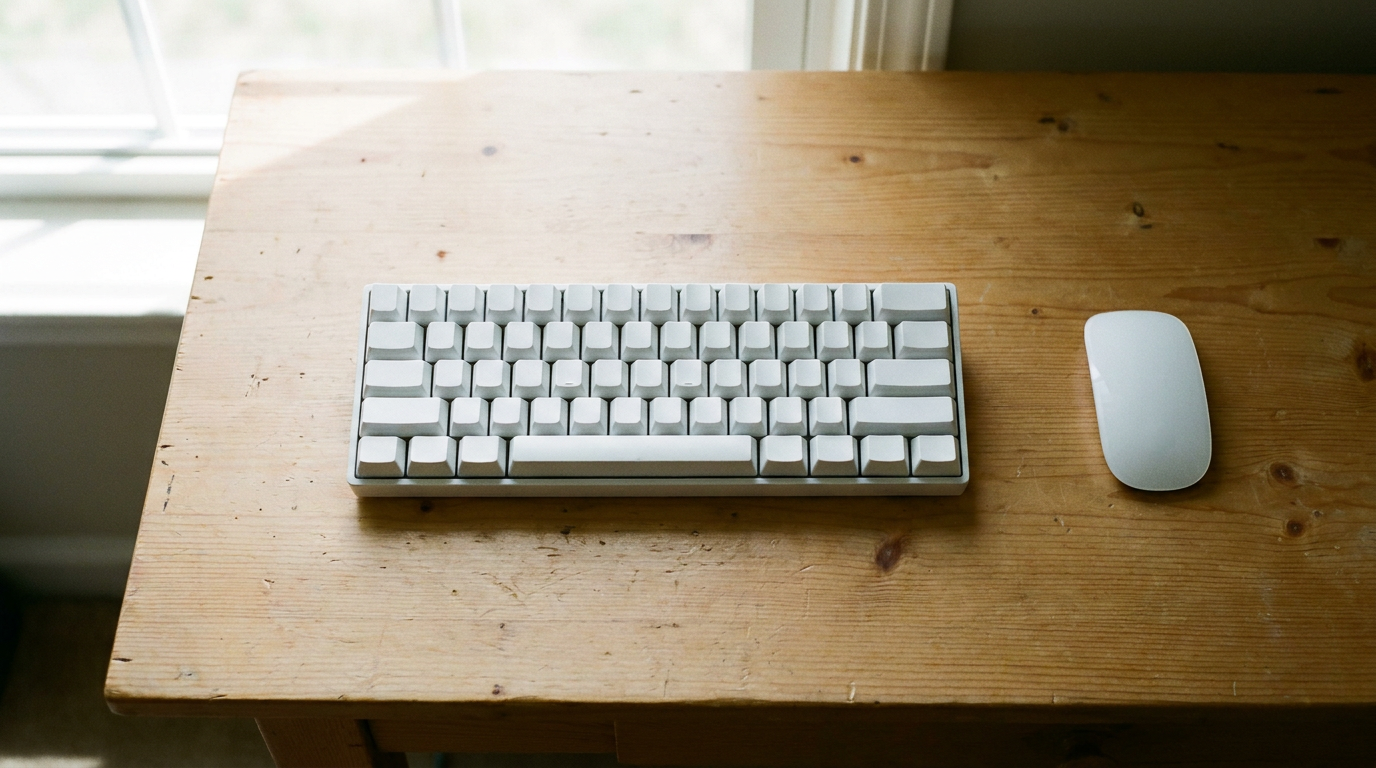
A 60 percent mechanical keyboard drops the function row, the arrow keys, the navigation cluster and the numpad, then hides all of them behind an FN key. You get a board about two thirds the width of a full-size one and far more mouse room. You give up one-tap access to arrows and F keys, and that trade decides everything.
Buy one if you type prose or game at low sensitivity. Skip it if you live in spreadsheets or edit text with the arrow keys all day.
What a 60 percent layout removes
The standard ANSI 60 percent board has 61 keys. Missing compared to a full-size board:
- The F1 to F12 row.
- The arrow cluster.
- Insert, Delete, Home, End, Page Up and Page Down.
- Print Screen, Scroll Lock and Pause.
- The numpad.
Every one of those still exists on a second layer you reach by holding FN.
How the FN layer actually works
Hold FN and the number row becomes F1 to F12. Arrows usually sit on WASD or IJKL, depending on the board, and Delete lands on FN plus Backspace. Some boards also let you tap the right-hand modifiers as arrows.
On boards running QMK or VIA firmware you rewrite all of this in a browser. Put arrows wherever your fingers land, or copy the HHKB style and move Control to the Caps Lock position. Keychron ships VIA support on its Q4, and the Wooting 60HE does the same through its own software.
Fixed-layout budget boards lock you into the maker’s FN map. Windows users can paper over gaps with Microsoft PowerToys Keyboard Manager, which remaps keys on Windows 11 and still works if you switched back to Windows 10.
Who should not buy one
Anyone entering numbers all day. FN plus the number row is not a numpad, and a separate numpad on the desk cancels the space you saved.
Editors who shuttle the cursor with arrows, Home and End. A 65 percent board keeps dedicated arrows and Delete while losing only the F row and numpad, and it is the better answer for most people who hesitate.
Developers who hit F5, F10 and F11 to debug. Chording FN plus 5 fifty times an hour wears thin.
What you gain
Desk space is the headline. Going by manufacturer dimensions, most 60 percent boards run about 30 cm across, against roughly 44 cm for a typical full-size board. That gap is where a low-sensitivity mouse sweeps, which is why the format took over shooters.
Your typing hand also sits centered rather than shoved left of a numpad, so the mouse lands closer to your shoulder. The board fits in a laptop sleeve, and the 61-key layout is the most common size for aftermarket keycaps and cases. It also clears room for a headphone stand holding the AirPods Max 2 or a second display arm.
Check the modifier layout before you pay
Many 60 percent boards are Windows-first. If you type on a Mac, read the mechanical keyboard for Mac guide first, since Command and Option placement makes or breaks the layer experience there. Look for hot-swap sockets, a Mac and Windows toggle, and QMK or VIA on the spec sheet. Those three lines predict your happiness better than any switch name.

